
Buy V-Bucks Gift Card
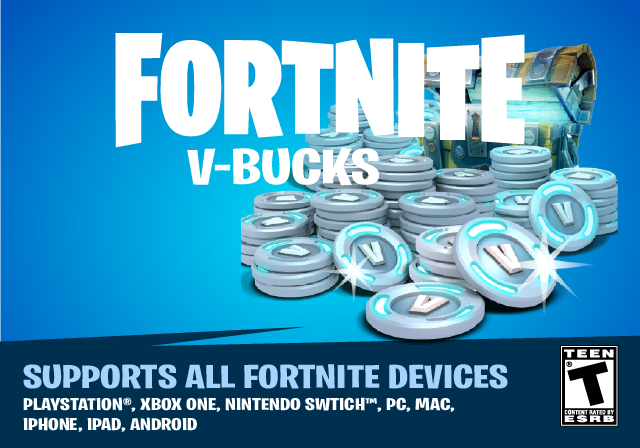
Fortnite 1000 V-Bucks
Fortnite 2800 V-Bucks
Fortnite 5000 V-Bucks
Fortnite 13500 V-Bucks
Fortnite V-Bucks Gift Card FAQ
What devices can I use this Fortnite Gift Card on?
You can use your V-Bucks code on the following devices: PC, Mac, Xbox, PlayStation, Nintendo Switch, and Android smartphones. The Epic Games V-Bucks Card Terms and Conditions apply.
Note: V-Bucks codes are always redeemed through your Epic Games account and are then available on all linked devices. V-Bucks redeemed on a Nintendo device are platform-bound and can only be used on that device.
Does my V-Bucks Code expire?
Good news! This Fortnite Gift Card does not expire and can be used whenever you want.
Does the Fortnite Gift Card have regional restrictions?
No, these V-Bucks Cards are globally redeemable.
Can I redeem my Fornite Gift Card on my PlayStation
Currently, these V-Bucks can be redeemed globally except on PlayStation consoles, through a user's Epic account. At this time, only users in the United States can redeem this V-Bucks Gift Card directly on their PlayStation. It can be redeemed for all other platforms worldwide through their Epic Games account.
What can I buy with a V-Bucks Code?
V-Bucks are Fortnite's in-game currency which can be used to buy new outfits, skins, emotes and more to create your own unique character. They can also be used to buy Battle Passes and unlock many more customization options, challenges and experience boosts.
How do I redeem this V-Bucks Card?
- Visit the Epic Games redeem page.
- Log into your Fortnite account.
- Enter the 16-digit code you received from us.
- Select the platform where you would like the V-Bucks applied and click "Next."
- Review your details and click "confirm."
- The V-Bucks are added to your account!
Note: If your platform does not appear, you need to link your device through the "connections" tab and then return to the redeem instructions.
How do I check my V-Bucks balance?
Once you are logged into your account proceed with the following steps:
- From the home screen hover over your icon with your cursor, located in the top right corner.
- Proceed to "Epic Wallet."
- There you will see the funds in your wallet.
- And, that's it!
Will my Fortnite content be available across platforms?
Upon redeeming it, you choose the platform (Nintendo Switch, Mobile phone & PlayStation etc) you want to be able to spend the V-Bucks on. Make sure that you have linked that device to your Epic account. After redemption, the V-Bucks will be tied directly to that device. Any content bought with the V-Bucks in your account will be available on all platforms linked to your Fortnite account except for the Switch. V-Bucks purchased on Switch cannot be spent on other devices no matter the device it was bought on!
How many V-Bucks should I buy?
It depends on how often you play Fortnite. With 1,000 V-Bucks ($10) you can buy a Battle Pass for a season that lasts for about ten weeks. So, with this, a player will be satisfied for more than two months. In addition, the prices of skins and other cosmetics vary; a dance (emote) costs 200 and certain skins 1,500 V-Bucks. A great strategy to teach kids to deal with money! Do you give them an allowance, but is there a pricey skin they've got their eye on? They can save up and proudly buy it themselves with the help of a gift card. Win-win right?
What is Fortnite?
With 350 million players worldwide it is safe to say that Fortnite has taken the world by storm. The world-famous title was released by Epic Games in 2017 and is still currently the most popular when compared to similar games. It is played solo or with a team. The goal of the battle royale is to survive 'the Storm' until the end by gathering the necessary supplies to defeat opponents. Your tools contain a variety of weapons, building materials and of course, the famous Fortnite dance emotes. However, there is also a cooperative storyline game mode called Save the World and a Creative sandbox mode where the players get to make the rules.
How can I contact Fortnite Customer Support?
Need some help? Visit the Epic Games Player Support page for assistance.